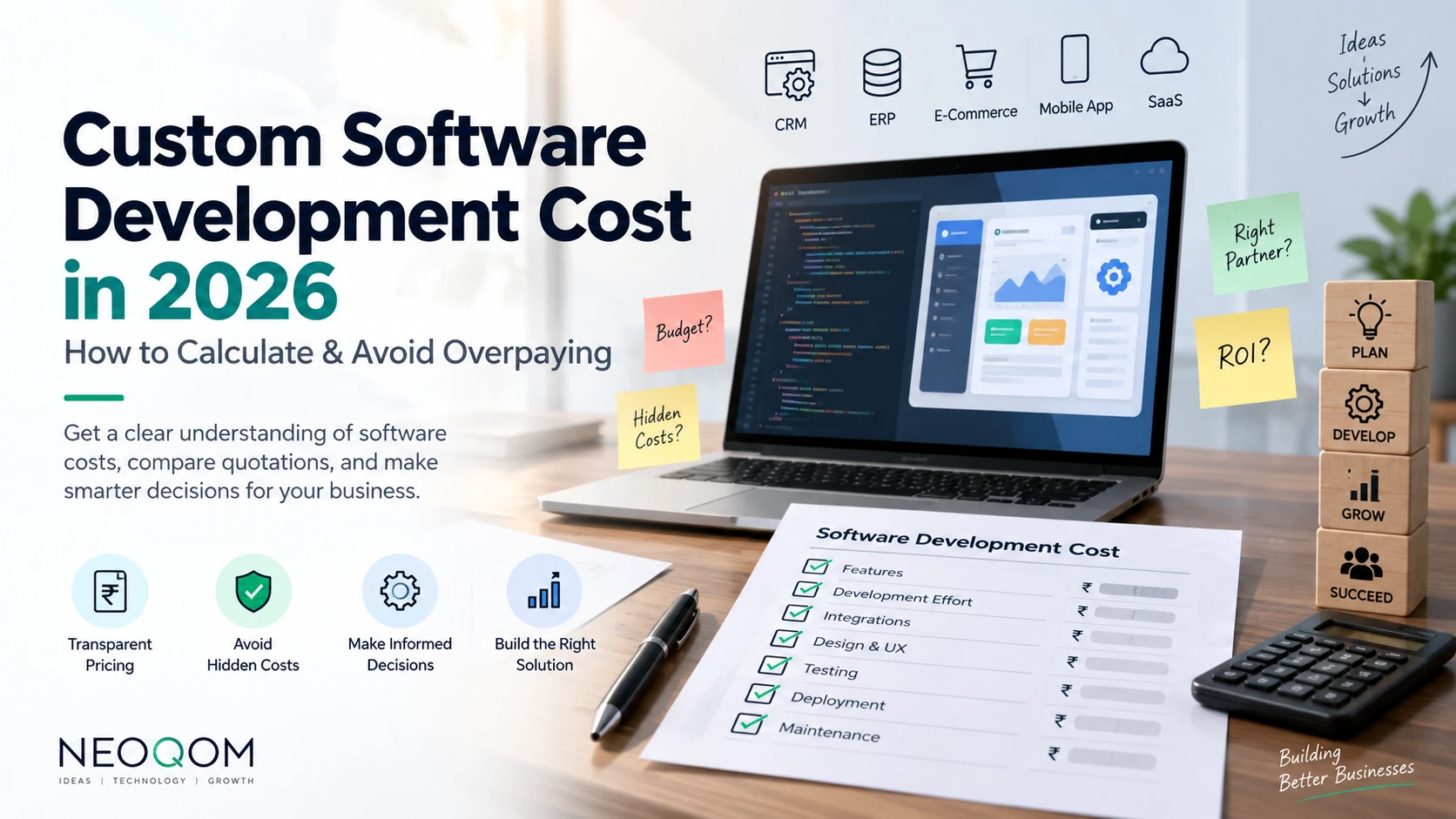
Custom Software Development Cost in 2026: A Complete Guide for Businesses
If you are planning to build custom software for your business in 2026, one of the first questions you will probably ask is:
“How much will it cost?”
You may receive one quotation for ₹2 lakh, another for ₹5 lakh, and another for ₹10 lakh for what appears to be the same software.
So, which one is correct?
The problem is that custom software does not have a fixed market price. Its cost depends on what you are building, how complex the requirements are, how many users will use it, integrations, security requirements, design, development effort and ongoing support.
This creates a major problem for business owners who don't have a technical background.
An IT company can give you a low initial quotation and increase the price later. Another company may quote a high amount without properly explaining what you are paying for.
The solution is not simply to find the cheapest software developer.
The solution is to understand how software development costs are calculated.
Why Is Custom Software So Difficult to Price?
Unlike an off-the-shelf product, custom software is built specifically for your business.
For example, a business may ask for a:
- CRM
- ERP
- Inventory management system
- HR management system
- Booking platform
- E-commerce platform
- Logistics application
- Customer portal
- Business dashboard
But simply saying “I need a CRM” does not tell a developer how much work is involved.
A basic CRM could contain:
- Lead management
- Customer management
- Follow-ups
- Sales pipeline
- Reports
A more advanced CRM could additionally require:
- Multiple user roles
- Automated workflows
- WhatsApp integration
- Email automation
- Payment integration
- Advanced reporting
- Mobile applications
- API integrations
- Audit logs
- Complex permissions
Both are called a CRM, but the development effort can be completely different.
That is why comparing software prices only by the product name can be misleading.
The Biggest Problem: Businesses Often Compare the Final Price
Imagine that three companies give you these quotations:
| CompanyQuotation | |
| Company A | ₹2,00,000 |
| Company B | ₹4,00,000 |
| Company C | ₹6,00,000 |
At first glance, Company A appears to be the best option.
But what if:
- Company A includes 20 features
- Company B includes 35 features
- Company C includes 50 features
And what if Company A charges separately for integrations, deployment and maintenance?
Suddenly, the cheapest quotation may not actually be the cheapest solution.
The correct comparison is not price vs price.
It is:
Scope vs scope + price vs price.
How Custom Software Development Cost Is Actually Calculated
A professional software quotation should ultimately be connected to the amount of work required.
A simplified calculation looks like:
Software Cost = Development Effort × Development Rate + Additional Costs
Development effort can include:
- Requirement analysis
- UI/UX design
- Frontend development
- Backend development
- Database development
- API development
- Testing
- Deployment
- Project management
Additional costs may include:
- Hosting
- Third-party APIs
- SMS services
- WhatsApp services
- Payment gateway charges
- Software licenses
- Domain
- Maintenance
This is why there is no universal price for “custom software.”
Typical Custom Software Development Cost in India in 2026
The following ranges can be used as a general reference. Actual pricing depends heavily on scope and complexity.
| Software TypeTypical Cost Range | |
| Basic Business Website | ₹30,000 – ₹1,00,000+ |
| Custom Admin Panel | ₹75,000 – ₹2,00,000+ |
| Basic CRM | ₹1,50,000 – ₹4,00,000+ |
| Custom CRM | ₹3,00,000 – ₹10,00,000+ |
| Inventory Management System | ₹2,00,000 – ₹7,00,000+ |
| Custom ERP | ₹5,00,000 – ₹25,00,000+ |
| E-commerce Platform | ₹2,00,000 – ₹10,00,000+ |
| Logistics Management Software | ₹3,00,000 – ₹15,00,000+ |
| SaaS Application | ₹5,00,000 – ₹25,00,000+ |
These numbers should not be treated as fixed market rates.
Two projects in the same category can have completely different costs because their requirements are different.
How Business Owners Can Avoid Being Overcharged
You don't need to become a programmer to understand whether a quotation is reasonable.
You simply need to ask the right questions.
1. Ask for a Feature-Level Breakdown
Avoid accepting a quotation that simply says:
CRM Development — ₹3,00,000
Ask:
What exactly is included in the CRM?
For example:
| FeatureIncluded? | |
| Lead Management | ✓ |
| Customer Management | ✓ |
| Sales Pipeline | ✓ |
| Follow-up Management | ✓ |
| Reports | ✓ |
| User Roles | ✓ |
| WhatsApp Integration | ? |
| Email Automation | ? |
| Mobile Application | ? |
This immediately makes the quotation more transparent.
2. Ask What Is NOT Included
This is one of the most important questions.
Ask the developer:
“Please provide a list of exclusions as well as inclusions.”
For example, a quotation might include a CRM but exclude:
- Mobile application
- WhatsApp API
- SMS
- Advanced reports
- Data migration
- Hosting
- Third-party integrations
- Future modifications
Knowing the exclusions prevents unpleasant surprises later.
3. Don't Accept “Custom Development” as a Pricing Explanation
“It's custom software” does not explain why something costs ₹2 lakh, ₹5 lakh or ₹10 lakh.
Ask:
“What makes this project complex?”
The developer should be able to explain the complexity in terms of actual functionality.
For example:
- Number of modules
- Number of user roles
- Workflow complexity
- Integrations
- Data volume
- Security requirements
- Reporting requirements
- Automation
- Mobile applications
- API requirements
A transparent explanation is much more useful than simply saying:
“This is a complex project.”
4. Get the Scope Document Before Development Starts
A proper project should have a clearly defined scope.
The scope should describe:
- Features
- Modules
- User roles
- Integrations
- Platforms
- Design requirements
- Deliverables
- Development timeline
- Testing
- Deployment
- Support
This document becomes the reference point for both the client and development company.
Without a clearly defined scope, disagreements are much more likely.
5. Understand Change Requests
One of the most common reasons software projects become more expensive is scope creep.
For example, you initially request:
“I need a customer management system.”
During development, you add:
- WhatsApp notifications
- Automated invoices
- Customer portal
- Mobile application
- Advanced reports
These are legitimate requirements, but they increase the development effort.
Therefore, ask your developer:
“How will additional requirements be priced?”
A professional company should have a clear change-request process.
6. Separate Development Cost From Recurring Costs
Your development quotation is not necessarily the total cost of owning the software.
Ask separately about recurring expenses such as:
Hosting
Where will the application run?
Third-Party APIs
Will the software use external services?
Examples include:
- Payment gateways
- SMS
- Maps
- Verification services
Maintenance
Ask whether maintenance is included and for how long.
Future Development
Bug fixing and new feature development are not always the same thing.
Understanding these costs gives you a more realistic picture of the total cost of ownership.
7. Don't Automatically Choose the Cheapest Developer
A very low quotation can be attractive.
But software is not a product where you should always choose the lowest price.
A developer offering ₹2 lakh and another offering ₹4 lakh may be providing completely different solutions.
Instead, compare:
Scope + Technology + Quality + Timeline + Support + Cost
A slightly higher initial investment can sometimes prevent much larger expenses later.
What Should a Professional Software Quotation Contain?
Before approving a project, your quotation should ideally contain:
Project Overview
What is being built and why.
Modules
A list of major software modules.
Features
Detailed functionality inside each module.
Technology
The proposed technology stack where relevant.
Timeline
Estimated development duration and milestones.
Cost Breakdown
A clear explanation of the development cost.
Third-Party Costs
Any external services that the client needs to pay for.
Exclusions
Features and services that are not included.
Payment Terms
When and how payments will be made.
Change Request Policy
How additional requirements will be estimated and charged.
Support & Maintenance
What happens after the software goes live.
This makes the relationship between the client and development company much clearer.
A Simple Formula Business Owners Can Use
When comparing two quotations, don't ask:
“Which company is cheaper?”
Instead, calculate:
Effective Cost = Development Cost + Required Add-ons + Recurring Costs + Expected Change Costs
Then compare the actual scope being delivered.
For example:
Company A
Development: ₹2,50,000
Required integrations: ₹50,000
Additional modules: ₹75,000
Effective cost: ₹3,75,000
Company B
Development: ₹3,25,000
Integrations: Included
Required modules: Included
Effective cost: ₹3,25,000
The company with the higher initial quotation can actually be cheaper overall.
The Right Question to Ask Your Software Development Company
Instead of asking:
“Can you build this for ₹X?”
ask:
“Can you provide a detailed scope, feature breakdown, inclusions, exclusions, development timeline, third-party costs and change-request pricing for this project?”
This single change can make software quotations significantly easier to compare.
How NEOQOM Approaches Custom Software Development
At NEOQOM, we believe that clients should understand what they are paying for.
Custom software pricing should not be an unexplained number.
The project should begin with understanding the business requirement, breaking it into modules and features, identifying the development effort and clearly defining what is included in the proposed solution.
The objective is not simply to provide the lowest quotation.
The objective is to build the right solution at a transparent and justifiable cost.
Because when a business invests in software, it should know exactly what it is investing in.
Final Takeaway
There is no single answer to:
“How much does custom software development cost in 2026?”
A small internal tool might cost a few lakh rupees, while a large ERP, SaaS platform or complex business ecosystem can require significantly more investment.
What matters most is how the cost is calculated and what you receive for it.
Before selecting a software development company:
✓ Break the project into modules
✓ Ask for feature-level details
✓ Understand inclusions and exclusions
✓ Separate development from recurring costs
✓ Understand how changes will be charged
✓ Compare quotations based on scope, not just price
✓ Get everything documented before development begins
When you understand the scope, it becomes much harder for anyone to confuse you with an unexplained software quotation.