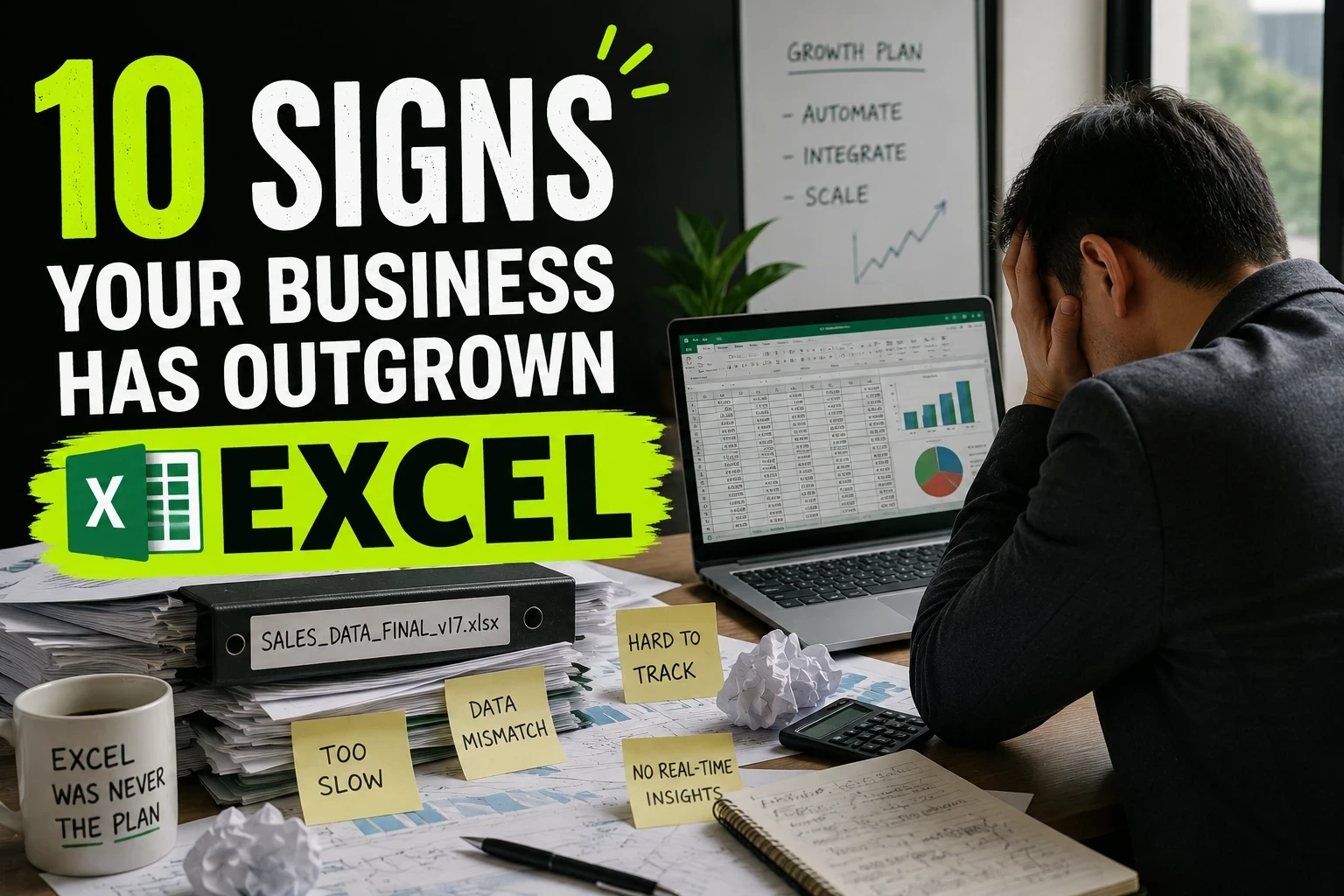
Excel probably helped you build the business. But it may now be slowing it down.
There is nothing wrong with using Excel.
For a small business, Excel can be one of the most useful tools available. It is flexible, inexpensive, familiar, and capable of handling everything from sales tracking to inventory, finance, operations, and reporting.
The problem starts when your business begins using Excel as something it was never meant to be: the central system that runs the business.
You create one spreadsheet.
Then another.
Someone adds a few formulas. Someone else creates a separate version. A manager asks for a report, so another sheet appears. Eventually, your business processes depend on dozens of files, hundreds of formulas, and a few employees who know exactly how everything works.
At that point, the question is no longer whether Excel can handle your business.
The real question is how much time, risk, and money your business is losing because it still depends on Excel.
Here are ten signs that you may have outgrown it.
1. You have multiple Excel files for the same process
If your team regularly says things like:
"Which file is the latest one?"
"Can you send me the updated sheet?"
"Don't edit this version."
"Use the file I sent yesterday."
you have a data management problem.
When the same business information exists across multiple spreadsheets, keeping everything synchronized becomes a manual task.
One employee updates a customer record.
Another updates the sales sheet.
Someone else has a separate inventory file.
The numbers eventually stop matching.
A business system should have a clear source of truth. Your employees should not have to compare spreadsheets to determine which information is correct.
2. Your employees spend hours entering the same information
This is one of the clearest warning signs.
A customer places an order.
Someone enters the information into Excel.
Then the same information is entered into another spreadsheet.
Then it is copied into an invoice.
Then someone updates inventory.
Then another employee prepares a report.
The business may be growing, but the process is still being operated manually.
Every additional manual entry creates another opportunity for a mistake.
A better system can capture information once and use it wherever it is needed.
For example, when an order is created, the same system can automatically update inventory, create the relevant records, notify the responsible employee, and make the information available for reporting.
The goal is not to eliminate Excel.
The goal is to eliminate unnecessary work around Excel.
3. Your reports are becoming a weekly ritual
How long does it take your team to prepare a management report?
If the answer is several hours, or even an entire day, your reporting process may have become too dependent on spreadsheets.
Someone has to collect data.
Someone has to clean it.
Someone has to combine files.
Someone has to check formulas.
Someone has to prepare charts.
Then management finally receives the report.
By the time the report is ready, some of the information may already be outdated.
A properly designed business system can collect operational data continuously and turn it into dashboards and reports without requiring someone to rebuild the same report every week.
4. One wrong formula can cause a serious problem
Excel gives users enormous flexibility.
That is also one of its weaknesses in a growing organization.
A formula can be changed.
A row can be deleted.
A value can be overwritten.
A reference can point to the wrong cell.
A copied formula can behave differently than expected.
The problem is not that Excel formulas are unreliable. The problem is that business-critical processes are often being controlled by spreadsheets that employees can manually modify.
Microsoft itself documents numerous situations involving complex workbooks, formula compatibility, excessive formatting, large datasets, and performance problems.
When a spreadsheet becomes responsible for critical business operations, a small mistake can become a business problem.
5. Your team needs to ask who changed something
Imagine discovering that an important customer record has changed.
Who changed it?
When?
What was the previous value?
Why was it changed?
If answering those questions requires checking messages, emails, file versions, or asking employees what happened, your business is missing proper operational visibility.
As businesses grow, accountability becomes increasingly important.
A business application can be designed around user accounts, permissions, activity records, approvals, and audit history.
Instead of asking employees what happened, management can see what happened.
6. Your processes depend on one employee
This is a particularly dangerous sign.
There is someone in your company who "knows the Excel."
They know which file to open.
They know which formulas not to touch.
They know which columns need updating.
They know which sheet contains the real numbers.
They know how to generate the monthly report.
If that person is unavailable, the process becomes difficult.
That means the process exists inside a person's knowledge instead of inside the business.
A scalable system should make the process understandable and repeatable regardless of which employee is operating it.
Your business should not depend on one person remembering how a spreadsheet works.
7. Excel is being used as a database, CRM, inventory system, and reporting tool at the same time
Excel can technically be used for almost anything.
That does not mean it should be.
If one workbook is simultaneously being used to manage customers, products, inventory, orders, payments, employees, commissions, and reports, you may have created a system without realizing it.
The difference is that a real business application is designed around these relationships from the beginning.
Customers have records.
Orders belong to customers.
Products belong to categories.
Inventory changes when transactions happen.
Users have permissions.
Reports are generated from the underlying data.
Instead of manually connecting everything together, the system handles those relationships automatically.
8. Your spreadsheet is getting too large, slow, or complicated
At first, the spreadsheet opened instantly.
Now everyone waits for it to load.
You click a cell and Excel freezes.
You add another formula and calculations take time.
The workbook contains dozens of tabs, thousands of formulas, external references, hidden sheets, and years of historical data.
This is not unusual.
Microsoft specifically documents performance problems associated with complex workbooks, large numbers of formulas, excessive formatting, large objects, and other workbook complexities. Excel worksheets also have defined row and column limits, and Microsoft provides specific guidance for datasets that exceed the Excel grid.
The spreadsheet has stopped being a simple tool.
It has become infrastructure.
That is usually the point where you should reconsider the architecture of the process.
9. Your business processes happen outside Excel
This is one of the biggest hidden problems.
The spreadsheet may contain the data, but the actual process happens somewhere else.
A customer sends information through email.
An employee confirms it on WhatsApp.
Someone updates Excel.
A manager approves it over a phone call.
Another employee creates an invoice.
Someone manually changes the spreadsheet again.
The problem is no longer Excel itself.
The problem is that your business has no connected workflow.
A custom business application can bring these steps into one process.
The request can be submitted through the system.
The responsible employee can receive it.
A manager can approve it.
The relevant records can update automatically.
The customer can receive the required information.
The entire process becomes traceable.
10. You are spending more time managing the spreadsheet than running the business
This is the biggest sign of all.
If your team spends significant time maintaining spreadsheets instead of serving customers, selling, managing operations, or improving the business, something needs to change.
Ask yourself:
How many hours are spent entering data?
How many hours are spent checking it?
How many hours are spent fixing mistakes?
How many hours are spent preparing reports?
How many hours are spent finding the correct file?
How many decisions are delayed because the information is not ready?
Those hours have a cost.
And as the business grows, that cost grows with it.
So, should you stop using Excel?
Not necessarily.
Excel is still an excellent tool for analysis, ad hoc calculations, financial modeling, personal productivity, and many other tasks.
The goal is not to replace every spreadsheet with software.
The goal is to identify the business processes that have become too important, too repetitive, too complex, or too risky to manage manually.
That might mean keeping Excel for analysis while moving your core operations into a proper system.
For some businesses, that could be a CRM.
For others, it could be an inventory management system, order management platform, internal operations portal, reporting dashboard, or a completely custom application.
The real question is not "Can Excel handle it?"
Excel probably can.
The better question is:
"Should my business still depend on Excel to run this process?"
If employees are constantly copying data, fixing formulas, searching for the latest file, preparing repetitive reports, and manually moving information between different tools, the answer may be no.
Your business has evolved.
Your software should evolve with it.
From Excel Spreadsheet to Custom Business System
At NEOQOM, we help businesses turn spreadsheet-based processes into custom software built around the way their business actually operates.
Instead of forcing your team to change everything to fit an off-the-shelf application, we can build a system around your existing workflow.
Your current Excel files are often a good starting point.
They show us what information you collect, how your team works, what calculations you perform, and where the current process becomes difficult.
From there, those manual processes can be transformed into a centralized system with the workflows, permissions, automation, dashboards, and integrations your business actually needs.
If your most important business process still depends on an Excel file, it may be time to build something better.
NEOQOM